AI Whiteboard
22/Oct/2025
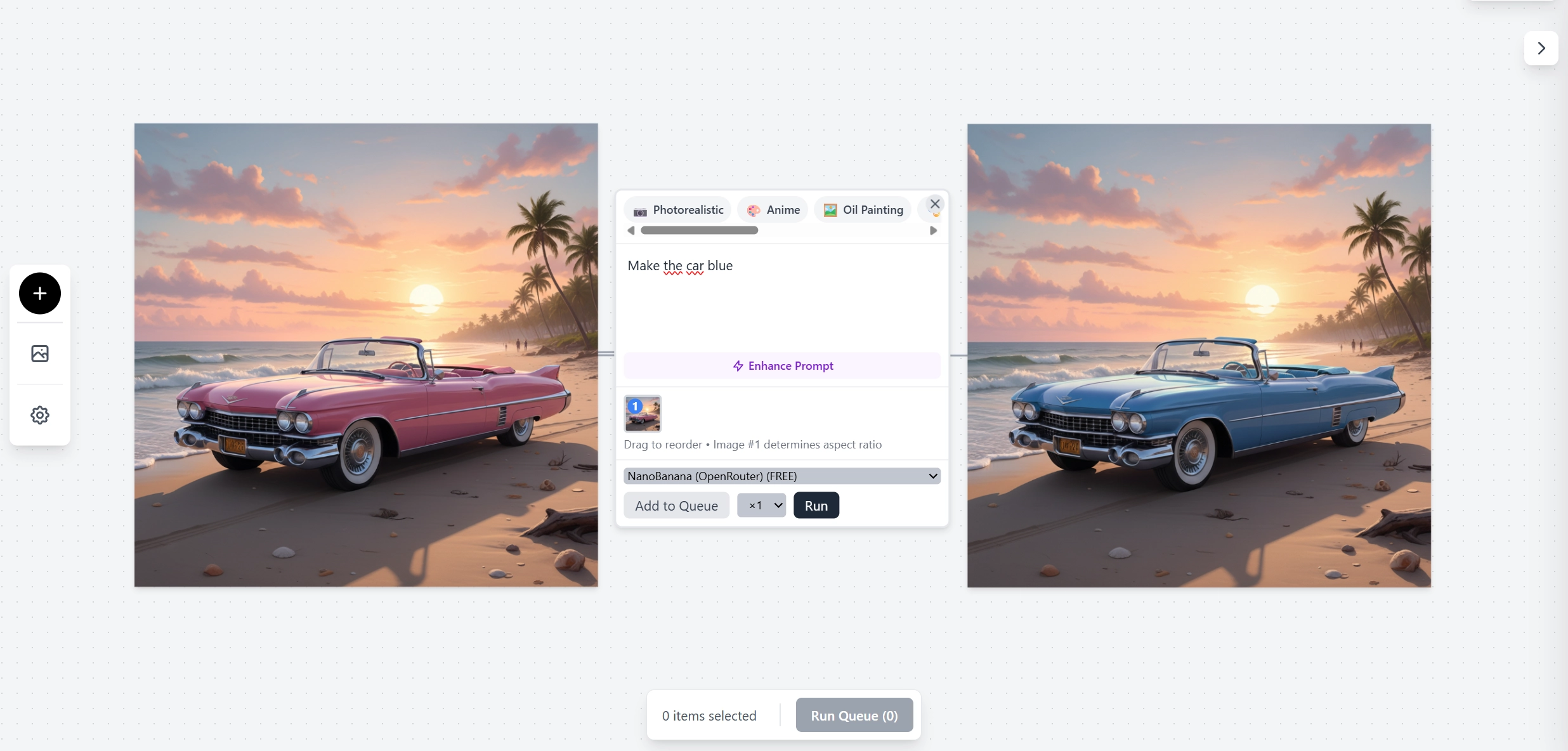
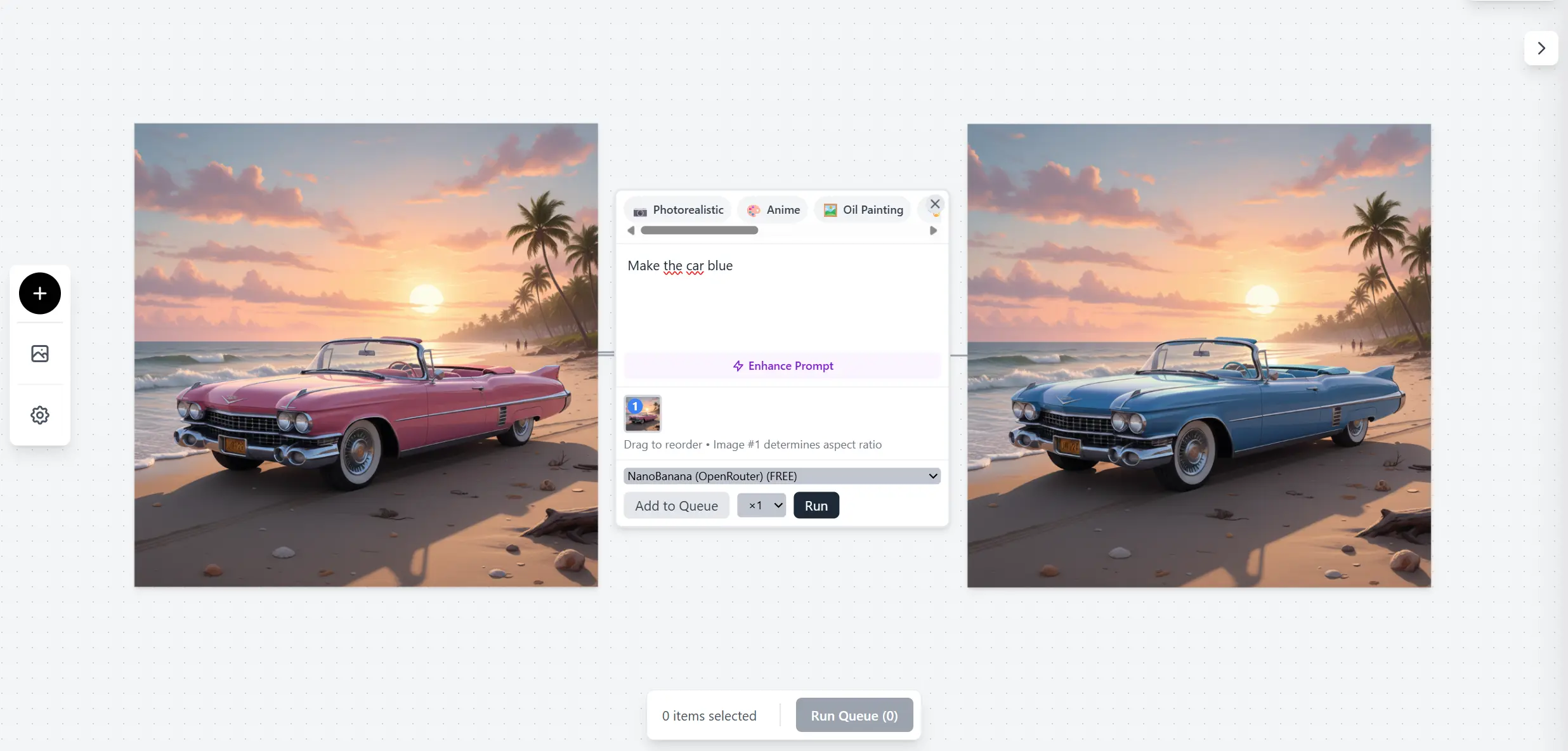
An infinite canvas whiteboard where you can visually create, connect, and iterate on AI-generated images. Built with React and powered by multiple AI providers.
What It Does
Think of it as a visual playground for AI image generation:
- Drop images onto the canvas (drag & drop or upload)
- Create prompt nodes with text descriptions
- Connect prompts to images for context-aware generation (img2img)
- Generate new images using AI models
- Iterate visually - see the relationships between prompts and outputs
The infinite canvas lets you zoom, pan, and organize your creative workflow spatially.
Features
- Infinite canvas with zoom and pan
- Drag & drop images directly onto the canvas
- Visual connections showing prompt → image relationships
- Multiple AI providers:
- Google Gemini 2.5 Flash (via OpenRouter)
- Replicate models (Seedream 4.0)
- Direct Gemini API
- Image-to-image editing - use existing images as context
- Session persistence - your canvas auto-saves
- No account required - sessions stored server-side
Tech Stack
Frontend
- React 19 with TypeScript
- Vite for blazing fast development
- Zustand for state management
- Tailwind CSS for styling
Backend
- Express.js API server
- File-based session storage
- PM2 for process management
- Automatic session cleanup (30-day expiry)
AI Integration
- OpenRouter as API gateway
- Gemini 2.5 Flash for image generation
- Replicate for alternative models
- Base64 image handling for seamless uploads
How It Was Built
This project was built in a single day using Claude Code. The workflow:
- Started with a Google AI Studio export (basic React app)
- Expanded the canvas system with Claude’s help
- Added multi-provider support iteratively
- Built the Express backend for persistence
- Deployed to a Virtualmin subdomain
The CLAUDE.md file in the repo documents the entire architecture for future Claude sessions.
Why I Built This
Most AI image generation tools are linear - you type a prompt, get an image, repeat. I wanted something more spatial and iterative:
- See all my experiments at once
- Understand the relationships between prompts and outputs
- Use previous generations as context for new ones
- Not lose my work when I close the browser
The infinite canvas metaphor makes it easy to explore variations and keep everything organized.
← Back to projects